What is Canonical Link?
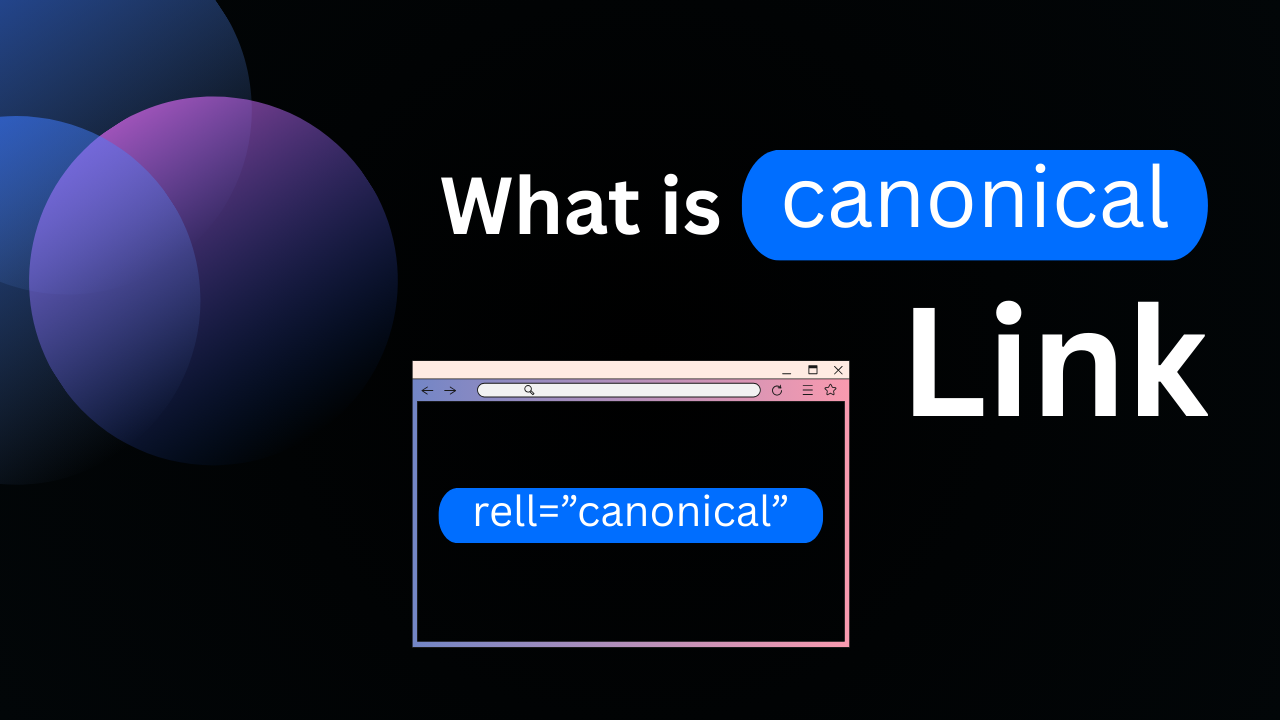
A canonical link is an HTML element that tells search engines which version of a page should be treated as the primary or “canonical” version. This is important when multiple URLs lead to the same or very similar content, such as when pages differ by parameters, protocols (HTTP vs. HTTPS), or device-specific versions. By specifying a canonical link, you help search engines consolidate ranking signals, avoid duplicate content issues, and ensure the correct page is shown in search results. While using the rel="canonical" tag gives search engines a strong hint about your preferred URL, it isn’t a strict directive — search engines may still choose a different page as the canonical if they believe it offers the best experience for users.
How to Specify a Canonical URL
Specifying a canonical URL is an important step in helping search engines understand which version of a page should be indexed and ranked, especially when multiple URLs display similar or duplicate content. Google recognizes several methods to indicate your preferred canonical page:
- Redirects (Strongest Signal): Use 301 or 302 redirects to send users and crawlers from duplicate pages to your preferred URL. This is a clear signal that the target page should be treated as canonical.
rel="canonical"Tag (Strong Signal): Add therel="canonical"link element inside the<head>of your duplicate pages to specify the canonical version. This consolidates ranking signals and avoids duplicate content issues.- Sitemap Inclusion (Weak Signal): Include your preferred URLs in your XML sitemap. While this is a weaker signal, it helps search engines discover and prioritize those URLs.
For best results, combine these methods where possible. Using multiple signals together increases the chances of your preferred canonical URL appearing in search results.
Fixing Canonicalization Issues
Canonicalization issues occur when search engines select a different canonical URL than the one you intended. This can lead to diluted ranking signals, duplicate content problems, and confusion for users. Before taking action, use Google’s URL Inspection Tool to see which URL Google considers canonical. If Google’s selected version makes more sense for search users, you may not need to make changes. However, if you still prefer a different canonical page, review the following common issues and solutions:
1. Missing or Incorrect Language Annotations
If your site serves the same content to users in different countries (e.g., the same English content for the US, UK, and Australia), search engines may struggle to choose the correct page for each region. Implement hreflang annotations to signal the correct version for each audience, ensuring the right page surfaces in the right location.
2. Incorrect Canonical Tags
Some CMS platforms or plugins may automatically generate rel="canonical" tags that point to the wrong URL. Review your page source in developer tools to confirm that the canonical tag is set correctly. If you find incorrect tags or redirects, adjust your CMS configuration or contact your provider to resolve the issue.
3. Server Misconfigurations
Improperly configured servers can unintentionally return duplicate content across domains or serve identical soft 404 pages. These issues can confuse search engines and result in the wrong canonical page being indexed. Work with your hosting provider to ensure that server responses and redirects are correctly configured.
4. Hacked or Compromised Content
Malicious attacks sometimes inject harmful redirects or add cross-domain canonical tags that point to spammy sites. If you notice this behavior, secure your site, remove the malicious code, and request reindexing in Google Search Console.
5. Syndicated Content Issues
If you distribute content to syndication partners, avoid using the canonical tag to manage duplication, as the pages may not be identical. Instead, ask partners to block their syndicated versions from being indexed (for example, by using noindex), so your original version remains the primary result.
6. Content Theft or Copycat Sites
In rare cases, search engines might choose a URL from an unauthorized site that copied your content. If this happens, you can contact the infringing site’s host to request removal. You may also file a DMCA takedown request with Google to have the copied content removed from search results.
Edit Profile
Help improve @KR
Was this page helpful to you?
Contact Khogendra Rupini
Are you looking for an experienced developer to bring your website to life, tackle technical challenges, fix bugs, or enhance functionality? Look no further.
I specialize in building professional, high-performing, and user-friendly websites designed to meet your unique needs. Whether it’s creating custom JavaScript components, solving complex JS problems, or designing responsive layouts that look stunning on both small screens and desktops, I can collaborate with you.
Create something exceptional with us. Contact us today
Open for Collaboration
If you're looking to collaborate, I’m available for a variety of professional services, including -
- Website Design & Development
- Advertisement & Promotion Setup
- Hosting Configuration & Deployment
- Front-end & Back-end Code Implementation
- Code Testing & Optimization
- Cybersecurity Solutions & Threat Prevention
- Website Scanning & Malware Removal
- Hacked Website Recovery
- PHP & MySQL Development
- Python Programming
- Web Content Writing
- Protection Against Hacking Attempts