iOS 26.3 Public Beta Released: How to Install It and the Key Features Apple Is Testing Next
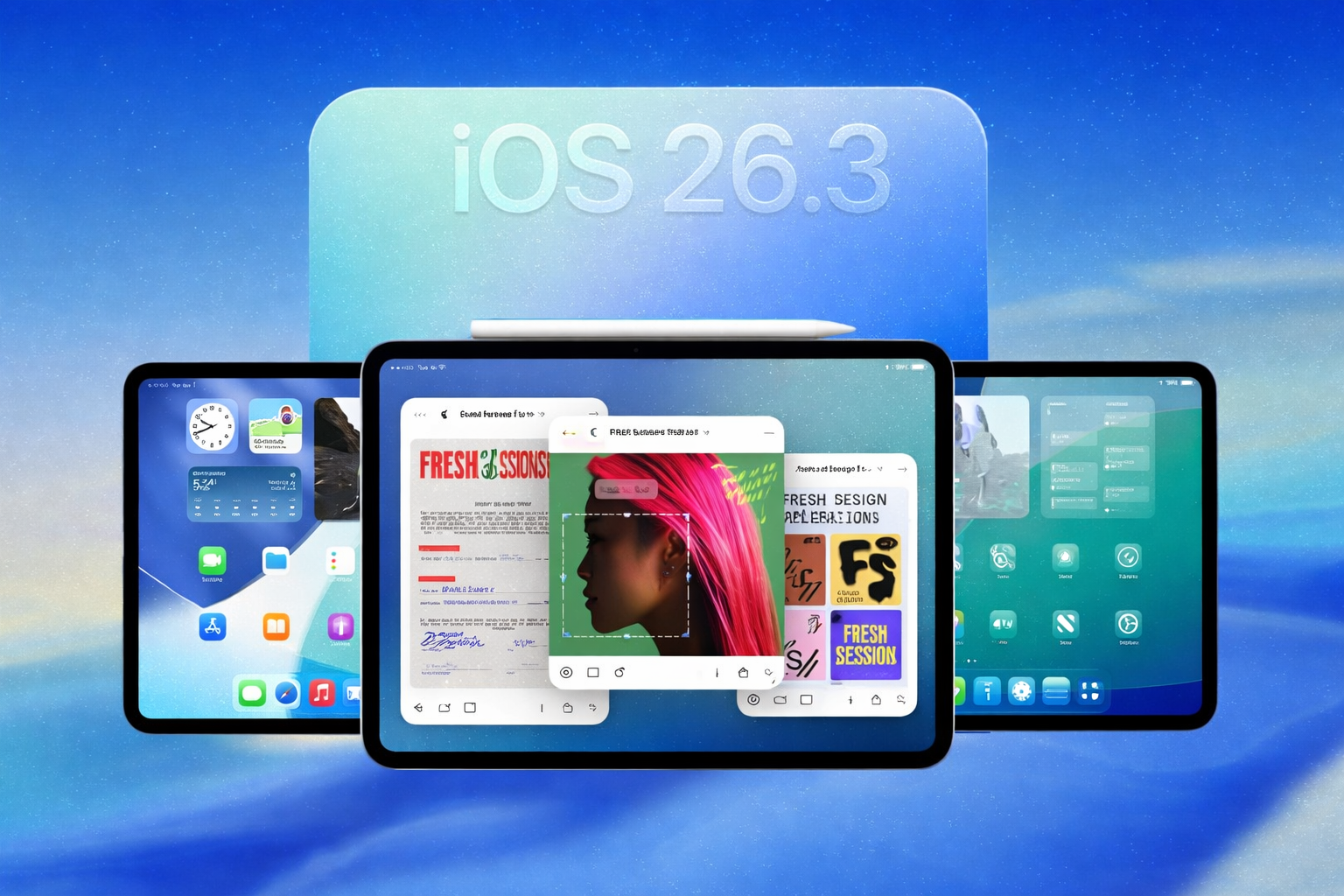
Apple has rolled out the public beta of iOS 26.3, offering iPhone users an early look at what is shaping up to be a refinement focused update ahead of its expected full release in early 2026.
The new beta arrives only weeks after iOS 26.2 reached the general public and continues Apple’s steady approach of improving usability, interoperability, and system organization rather than introducing dramatic visual overhauls.
While iOS 26.3 does not radically change the everyday iPhone experience, it introduces several meaningful improvements that reflect broader shifts in Apple’s software strategy, particularly in response to regulatory pressure in Europe and growing demand for smoother cross platform experiences.
Here is a complete and clear breakdown of how to download the iOS 26.3 public beta and what new features users can explore once it is installed.
How to Download the iOS 26.3 Public Beta
Apple continues to make its public beta software accessible to regular users who want to test upcoming iOS versions before their official release.
The process is straightforward and does not require a developer account.
Before installing, users should remember that beta software may contain bugs or performance issues.
It is always wise to back up your iPhone before proceeding.
Apple Beta Software ProgramStep by Step Guide
Visit Apple’s official Beta Software Program website
Sign in using your Apple ID
Enroll your iPhone in the iOS beta program
On your iPhone, open the Settings app
Navigate to General, then Software Update
Select iOS Public Beta from the update options
Download and install iOS 26.3 public beta
Once installed, your device will receive future beta updates automatically until you switch back to the standard release channel.
What’s New in iOS 26.3 Public Beta
Apple has positioned iOS 26.3 as a polishing update rather than a feature heavy release.
That said, the changes included hint at larger priorities, especially around personalization, wearable flexibility, and device migration.
Refreshed Wallpapers Organization
One of the first noticeable changes appears in the Wallpapers section of Settings.
Apple has reorganized the layout to make it more intuitive and visually consistent.
Previously, Weather and Astronomy wallpapers were grouped together.
In iOS 26.3, Apple has separated them into distinct categories, making it easier for users to browse and preview each type.
Alongside this reorganization, Apple has introduced a small selection of new Weather based wallpapers that dynamically reflect conditions such as clouds, sunlight, and atmospheric changes.
The update does not drastically alter existing wallpapers, but it improves discoverability and clarity, especially for users who enjoy dynamic and live backgrounds.
Notification Forwarding to Third Party Wearables
One of the most notable changes in iOS 26.3 addresses a long standing limitation for users who do not use an Apple Watch.
For the first time, iPhone users can forward notifications directly to supported third party wearable devices, such as non Apple smartwatches and fitness trackers.
This allows users to receive calls, messages, and app notifications on their preferred wearable without constantly checking their phone.
However, there are important limitations.
At launch, this feature is only available to users in the European Union.
Apple introduced it in response to the Digital Markets Act, which requires major technology platforms to offer greater interoperability and reduce ecosystem lock in.
As of now, Apple has not confirmed whether this functionality will be extended to users in the United States or other regions.
If it does expand globally, it could mark a meaningful shift in how Apple approaches hardware exclusivity.
Easier Switching Between iPhone and Android
The most significant and forward looking feature in iOS 26.3 comes from an unusual collaboration between Apple and Google.
Together, the two companies have developed a new wireless transfer system designed to simplify switching between iPhone and Android devices.
This addresses one of the most common frustrations for users changing platforms.
With iOS 26.3, users can place an iPhone next to an Android device and securely transfer data wirelessly.
Supported content includes:
Text messages
Notes
Photos and videos
Apps
Phone number and core account data
The process is designed to be faster and more intuitive than previous methods, which often required third party apps or manual backups.
This change reflects growing industry pressure for better data portability and consumer choice.
While it may not affect users who stay within one ecosystem, it significantly lowers the barrier for those considering a switch.
Stability, Performance, and Expectations
As with most public betas, iOS 26.3 prioritizes testing and feedback.
Early reports suggest stable performance for daily use, though occasional bugs and battery inconsistencies are expected.
Apple typically uses public beta cycles to refine features, improve reliability, and adjust user interface details based on real world usage.
The final release may include additional optimizations or subtle changes not present in the current beta.
Based on Apple’s release pattern, iOS 26.3 is expected to reach the general public in early 2026.
Should You Install iOS 26.3 Public Beta?
The answer depends on your tolerance for early software and your interest in upcoming features.
The beta is well suited for users who:
Enjoy testing new iOS features early
Use secondary or non critical devices
Are interested in cross platform migration tools
Live in the European Union and use non Apple wearables
Users who rely on maximum stability for work or daily tasks may prefer to wait for the final release.
A Measured Step Forward
iOS 26.3 may not grab headlines with flashy redesigns, but it reflects meaningful shifts in Apple’s software philosophy.
Improved organization, greater wearable flexibility, and easier platform switching all point toward a more open and user focused future.
For long time iPhone users, the update reinforces familiar strengths while quietly modernizing areas that have lagged behind industry expectations.
For those considering a change, it sends a clear message that Apple is beginning to take interoperability more seriously.
As Apple prepares for its next major software cycle in 2026, iOS 26.3 stands as a thoughtful, transitional update that balances tradition with gradual progress.
Edit Profile
Help improve @KR
Was this page helpful to you?
Contact Khogendra Rupini
Are you looking for an experienced developer to bring your website to life, tackle technical challenges, fix bugs, or enhance functionality? Look no further.
I specialize in building professional, high-performing, and user-friendly websites designed to meet your unique needs. Whether it’s creating custom JavaScript components, solving complex JS problems, or designing responsive layouts that look stunning on both small screens and desktops, I can collaborate with you.
Create something exceptional with us. Contact us today
Open for Collaboration
If you're looking to collaborate, I’m available for a variety of professional services, including -
- Website Design & Development
- Advertisement & Promotion Setup
- Hosting Configuration & Deployment
- Front-end & Back-end Code Implementation
- Code Testing & Optimization
- Cybersecurity Solutions & Threat Prevention
- Website Scanning & Malware Removal
- Hacked Website Recovery
- PHP & MySQL Development
- Python Programming
- Web Content Writing
- Protection Against Hacking Attempts