
Windows Update pause indefinitely moves closer as Microsoft tests major Windows 11 control users have long wanted
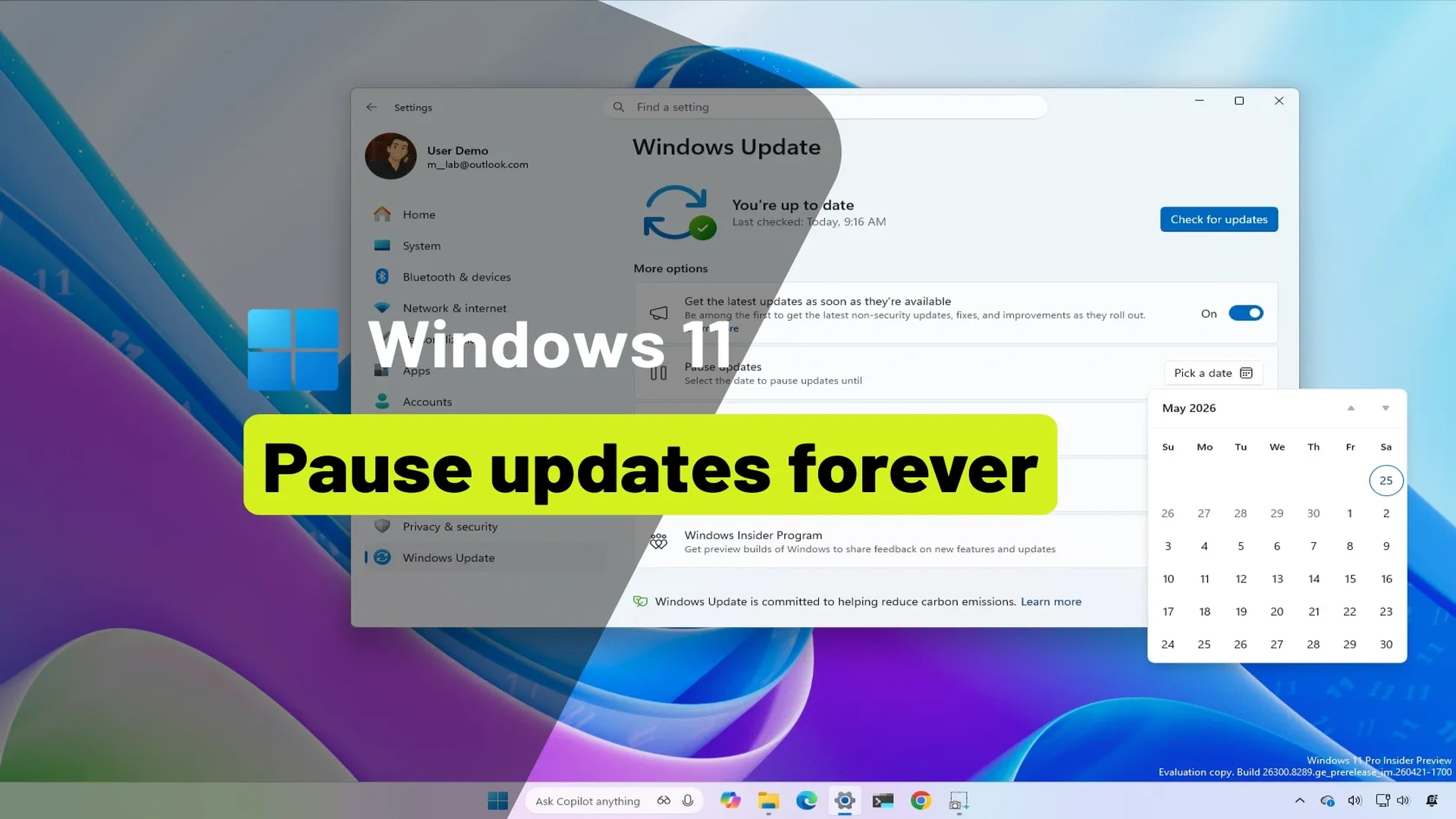
Microsoft is testing a significant change to the Windows Update system that could give users far more control over when their PCs install updates. A new feature now being tried in the Windows Insider Program allows eligible users to keep pausing updates in renewable 35 day blocks, with no fixed limit on how many times that pause can be extended.
The move signals a notable shift in how Microsoft may approach updates in Windows 11. For years, Windows updates have been essential for security and performance, but many users have also complained about forced restarts, inconvenient installation prompts and interruptions during work, gaming or live meetings. If this test feature reaches the public version of Windows 11, it could become one of the most user friendly update changes in recent years.
Microsoft tests renewable 35 day update pause system
According to details shared through the Windows Insider channels, Microsoft is redesigning the Windows Update experience for users in Dev and Experimental builds. The biggest change is a pause option that can be extended repeatedly in 35 day periods.
Previously, Windows users could pause updates for a limited time, but those controls often came with restrictions or required updates to resume before another delay could be applied. Under the new system, users may continue extending the pause date whenever needed.
That means someone preparing for exams, handling a business project, travelling, or using a gaming setup during a tournament could delay non urgent updates and choose a more suitable time later.
Microsoft has reportedly clarified that if the pause is not renewed before the period ends, updates will resume automatically and install as normal.
Windows 11 updates may become less disruptive
The update pause feature is only one part of a broader redesign. Microsoft is also working on making updates less confusing and less intrusive across the operating system.
Driver updates are expected to receive clearer labels that identify what hardware they relate to. Instead of vague names, users may see straightforward categories such as display, audio or battery related updates. This could help users better understand what is being installed on their machines.
The Windows 11 power menu is also being refined. Standard Shut down and Restart options are expected to remain visible at all times, while Update and restart or Update and shut down will appear separately when needed.
That adjustment may sound small, but it addresses one of the most common frustrations among Windows users. Many people have accidentally triggered an update while simply trying to restart or power off their devices.
Fewer reboots and smarter installations
Microsoft is also aiming to reduce the number of restarts required after updates. The company says it is working toward a more unified update system that coordinates downloads and installations more efficiently.
Instead of separate update events forcing multiple reboots, Windows may increasingly bundle updates together and present clearer opportunities to restart when convenient.
Updates are still expected to download in the background, but the overall experience may feel less aggressive and more predictable. For users who rely on their PCs throughout the day, this could make a meaningful difference.
New PC setup may offer more flexibility
Another change being tested involves the first time setup experience on new computers. Users may get clearer options to skip non critical updates during setup, allowing them to reach the desktop faster and decide later when to install additional updates.
For many buyers, especially those setting up a laptop for urgent work or study, this could remove unnecessary delays during the first use of a device.
Combined with the renewable pause system, the message is clear: Microsoft appears to be giving users more control over timing instead of insisting every update happen immediately.
Why this matters for everyday users
Automatic updates remain important. They help protect devices from security threats, fix bugs and improve performance. But timing has always been a major complaint.
Unexpected restarts can interrupt presentations, online classes, gaming sessions, content creation work and business meetings. Even when updates are valuable, poor timing can create a negative experience.
By testing a pause system with no visible cap on renewals, Microsoft seems to recognize that trust and convenience are just as important as security. Users often accept updates more willingly when they feel in control.
Insider only for now, wider release still uncertain
At present, these features are limited to members of the Windows Insider Program, where Microsoft regularly tests experimental ideas before deciding whether to launch them broadly.
That means the update controls could still change before reaching the public version of Windows 11. Microsoft may adjust limits, redesign menus or refine how pauses work based on feedback from testers.
Still, the direction is notable. Rather than pushing a one size fits all model, Microsoft appears to be moving toward a system that respects different user schedules and workloads.
A smarter future for Windows updates
If these changes roll out widely, Windows 11 users may soon see updates in a very different light. Instead of disruptive reminders and forced timing, updates could become something users schedule around their own lives.
For students, professionals, gamers and everyday households alike, that would be a welcome evolution. Windows updates may still be necessary, but they may no longer need to feel unavoidable.
Edit Profile
Help improve @KR

Was this page helpful to you?
Contact Khogendra Rupini
Are you looking for an experienced developer to bring your website to life, tackle technical challenges, fix bugs, or enhance functionality? Look no further.
I specialize in building professional, high-performing, and user-friendly websites designed to meet your unique needs. Whether it's creating custom JavaScript components, solving complex JS problems, or designing responsive layouts that look stunning on both small screens and desktops, I can collaborate with you.
Create something exceptional with us. Contact us today
Open for Collaboration
If you're looking to collaborate, I'm available for a variety of professional services, including -
- Website Design & Development
- Advertisement & Promotion Setup
- Hosting Configuration & Deployment
- Front-end & Back-end Code Implementation
- Code Testing & Optimization
- Cybersecurity Solutions & Threat Prevention
- Website Scanning & Malware Removal
- Hacked Website Recovery
- PHP & MySQL Development
- Python Programming
- Web Content Writing
- Protection Against Hacking Attempts