
Microsoft finally gives Windows 11 users long requested update freedom with unlimited pause option and smarter shutdown controls
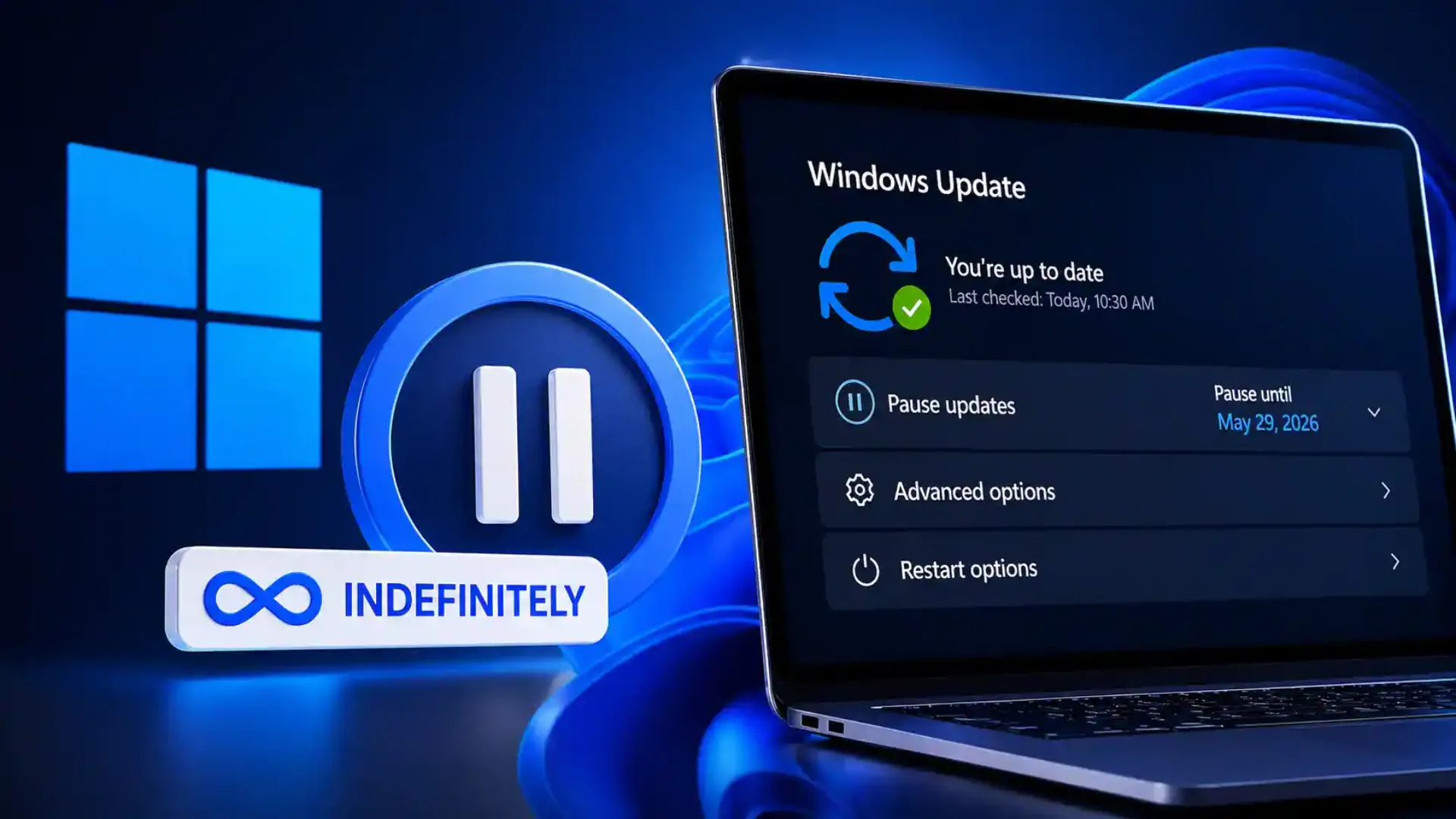
Microsoft has introduced one of the most requested quality of life changes for Windows 11 users by allowing updates to be paused repeatedly without a fixed final deadline. The move gives users greater control over when software updates install, addressing years of complaints about forced restarts, inconvenient update timing, and shutdown interruptions.
The new feature was announced this week and is currently available to users enrolled in the Windows Insider Dev and Experimental channels. A wider public rollout is expected in the coming months.
For many Windows users, update management has long been a source of frustration. While security updates remain essential, the timing of installations has often clashed with work schedules, exams, meetings, gaming sessions, travel, and other important tasks. Microsoft’s latest change signals a shift toward more user friendly update controls.
Windows 11 users can now keep extending update pauses
Previously, Windows 11 users could pause updates for a maximum of 35 days. Once that limit expired, the system required updates to install before another pause could be set. That meant users eventually lost flexibility and had to accept updates whether the timing was convenient or not.
Under the new system, users can continue pausing updates in 35 day blocks and renew the pause again when needed. In practical terms, this creates an indefinite pause option for those who prefer to delay updates on their own schedule.
Microsoft is also allowing users to choose a specific calendar date to resume updates. This gives people the ability to plan around busy periods such as project deadlines, university exams, business travel, or major events.
The change is especially useful for professionals who depend on stable systems during critical workloads and cannot risk unexpected installations or restart prompts.
Microsoft responds after thousands of user complaints
According to Microsoft, feedback played a major role in the update. Aria Hanson, who authored the official company blog post, said more than 7,621 user feedback submissions were reviewed in recent months.
Two complaints appeared consistently:
Updates arriving at the worst possible moments
Users feeling they had too little control over when updates installed
That feedback appears to have directly influenced the redesign. Rather than forcing updates around Microsoft’s preferred timeline, the company is now giving users more authority over device maintenance.
This marks a broader trend in software design where companies are increasingly expected to balance security requirements with user autonomy.
Windows shutdown menu gets a welcome fix
Another major improvement involves shutdown behavior, an area many longtime Windows users have criticized.
Previously, some users found that selecting shutdown could still trigger update related actions or create confusion when update options dominated the power menu. Microsoft is now making the choices clearer and more predictable.
The Windows power menu will display:
Restart
Shut down
Update and restart
Update and shut down
This means users can choose a standard shutdown without feeling forced into an update cycle at the end of the day.
For laptop users, office workers, and students rushing between tasks, this small change could become one of the most appreciated improvements in daily use.
Fewer restarts through bundled monthly updates
Microsoft is also streamlining how updates are delivered. Driver updates, .NET updates, firmware patches, and monthly quality updates are being grouped together more efficiently.
The result should be fewer separate restart requests each month. Instead of dealing with multiple update prompts across different categories, users may see a more consolidated maintenance process.
That could reduce interruptions and improve the overall ownership experience, especially for users managing work devices or shared household computers.
New PCs can reach the desktop faster
Microsoft has also made a smaller but practical change for new device setup.
Users setting up a Windows 11 PC for the first time can now skip updates during the out of box experience and proceed directly to the desktop. Earlier setup flows often pushed updates before users could begin using the device.
This adjustment helps users start working immediately and choose a better time later for downloads and installations.
For anyone buying a new laptop before travel, work presentations, or urgent assignments, this can save valuable time.
Security remains Microsoft’s main message
Despite offering greater flexibility, Microsoft continues to recommend installing updates promptly. Security patches often contain protections against newly discovered vulnerabilities, performance fixes, and reliability improvements.
Delaying updates indefinitely may be convenient, but it can also expose devices to risks if critical patches are ignored for too long.
The best balance for most users may be strategic scheduling rather than permanent avoidance. Users can now pause updates during busy periods, then install them when they have time to restart and verify everything is working properly.
Why this Windows 11 change matters
This update is important not because it introduces flashy new features, but because it solves everyday frustrations that millions of users have experienced for years.
People want their computers to work around their lives, not the other way around. Unexpected restarts before meetings, shutdown delays when leaving work, or forced installs during deadlines have created negative sentiment toward Windows updates for a long time.
By listening to feedback and redesigning core update behavior, Microsoft is showing a more mature approach to user experience.
When the wider rollout could happen
At present, the feature is limited to Windows Insider Dev and Experimental channel users, where Microsoft typically tests changes before public release.
If feedback remains positive and no major issues appear, the update could arrive in future stable Windows 11 releases through cumulative updates or larger feature rollouts.
Microsoft has not yet confirmed an exact global release date.
Final takeaway
Windows 11 users may soon gain one of the freedoms they have wanted most: control over when updates happen. Unlimited renewable pauses, cleaner shutdown choices, fewer restarts, and faster first time setup together make this one of the most practical Windows improvements in recent years.
For many users, the real headline is simple. Windows updates are starting to fit around your schedule instead of forcing you to fit around theirs.
Edit Profile
Help improve @KR

Was this page helpful to you?
Contact Khogendra Rupini
Are you looking for an experienced developer to bring your website to life, tackle technical challenges, fix bugs, or enhance functionality? Look no further.
I specialize in building professional, high-performing, and user-friendly websites designed to meet your unique needs. Whether it's creating custom JavaScript components, solving complex JS problems, or designing responsive layouts that look stunning on both small screens and desktops, I can collaborate with you.
Create something exceptional with us. Contact us today
Open for Collaboration
If you're looking to collaborate, I'm available for a variety of professional services, including -
- Website Design & Development
- Advertisement & Promotion Setup
- Hosting Configuration & Deployment
- Front-end & Back-end Code Implementation
- Code Testing & Optimization
- Cybersecurity Solutions & Threat Prevention
- Website Scanning & Malware Removal
- Hacked Website Recovery
- PHP & MySQL Development
- Python Programming
- Web Content Writing
- Protection Against Hacking Attempts