
Microsoft finally lets Windows users pause forced updates indefinitely, but there is an important catch
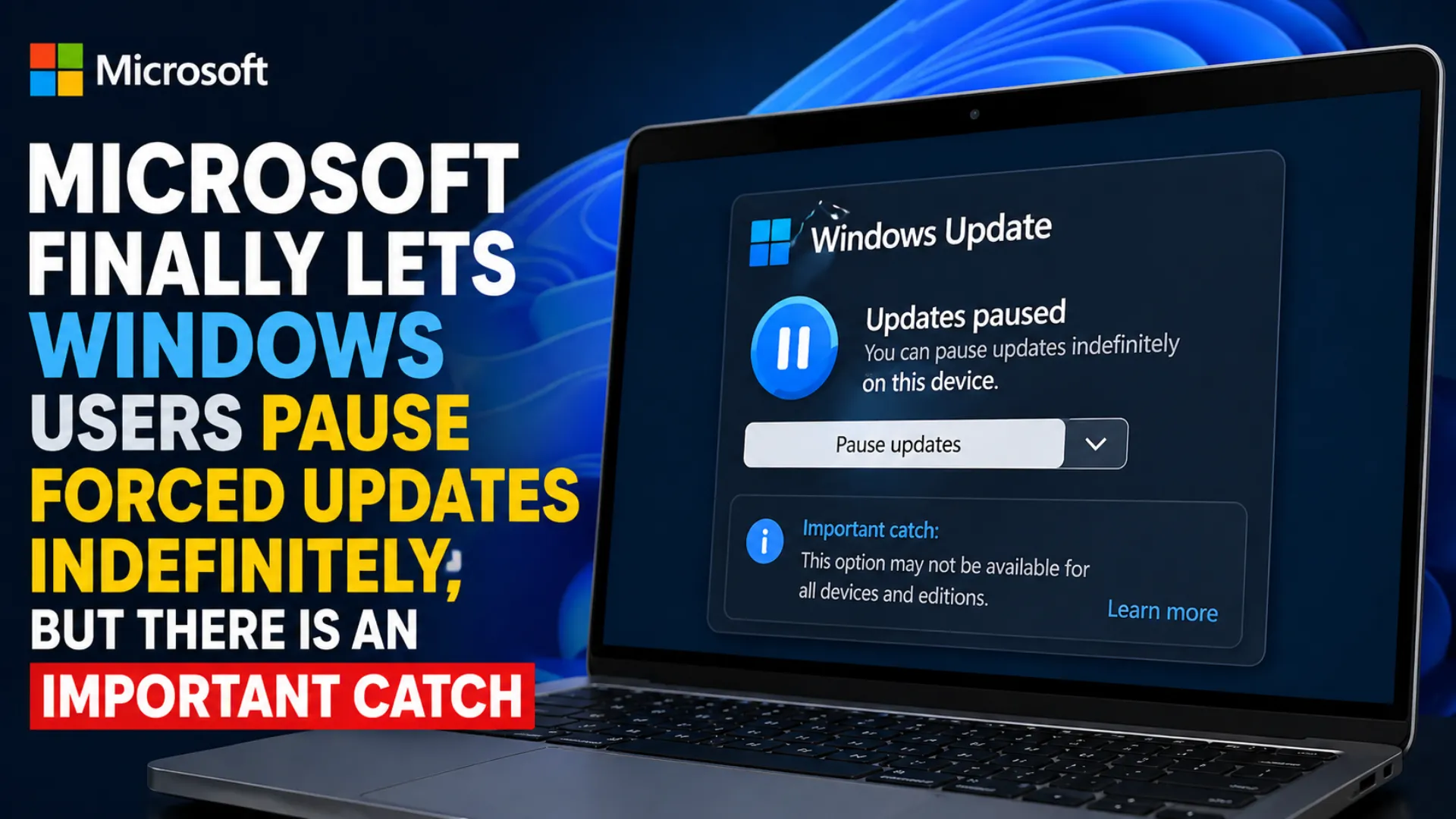
Microsoft has introduced a long requested change for Windows users by making it possible to keep pausing forced system updates for an unlimited period of time. The new option gives users more control over when updates are installed, especially those who prefer stability, avoid interruptions during work, or want to delay changes until they are ready.
However, the feature comes with one important condition. Users cannot pause updates permanently with a single click. Instead, the pause can only be applied for up to 35 days at a time, after which the timer must be manually reset again.
The update was announced by Microsoft as part of a broader effort to improve the Windows Update experience for users of Windows 11.
Windows users gain more flexibility over updates
For years, many users have complained about mandatory updates arriving at inconvenient times. Unexpected restarts, forced installations, and limited pause controls often created frustration, particularly for professionals, gamers, and businesses relying on uninterrupted workflow.
With the latest change, Microsoft has expanded the pause feature. Users can now delay updates in 35 day blocks repeatedly, with no stated limit on how many times the pause can be renewed.
That means users who do not want a pending update immediately can continue extending the pause window every time it expires. While it is not a true permanent disable switch, it effectively allows long term postponement for those willing to manage the setting regularly.
The catch users need to know
The headline feature sounds simple, but it still requires user action every 35 days.
Once the pause period ends, Windows users must manually reapply the pause setting to continue delaying updates. If they forget, the update process may resume automatically.
This means Microsoft is offering flexibility without fully removing its update system. Security patches and system improvements remain central to the company’s software strategy, so the manual renewal requirement ensures updates are delayed rather than permanently blocked.
For users seeking complete control, this may feel like only a partial solution. For many others, it may be the balance they have been asking for.
New setup option to skip updates immediately
Microsoft has also introduced another practical improvement during device setup.
Users configuring a new Windows PC can now choose to skip updates immediately during the setup process. This can help speed up first time installation and allow users to reach the desktop faster instead of waiting for downloads before using the machine.
For consumers buying a new laptop or desktop, this small change could make the initial experience smoother and less frustrating.
Shutdown and restart controls become clearer
Another common complaint with Windows updates involved power menu confusion. Users often saw limited choices when updates were pending.
Microsoft has now separated standard power actions from update actions. Instead of forcing update related shutdown choices into the same space, users can choose clearly between:
1. Restart
2. Shut down
3. Update and restart
4. Update and shut down
This clearer layout should reduce accidental update installs and help users decide exactly what they want the system to do.
Better detail for driver updates
Driver updates can often be difficult for everyday users to understand. Many people do not know what hardware component is being updated or why the update matters.
Microsoft says it is now providing more detailed information about driver updates. This could help users better understand whether the update is related to graphics, audio, networking, peripherals, or other hardware components.
More transparency may also help advanced users decide whether to install immediately or wait.
Currently rolling out to Insider users
At present, these changes are rolling out to users in the Windows Insider Dev and Experimental Channels. That means the features are first being tested with early access users before broader release.
If testing goes smoothly, the changes are expected to reach general Windows users in a future public update.
Microsoft often uses Insider channels to gather feedback, fix bugs, and refine features before full deployment.
Why this matters for everyday users
Windows updates are important for security, bug fixes, performance, and compatibility. But timing matters. A forced update during work, gaming, presentations, or travel can create unnecessary disruption.
This new system appears designed to offer more respect for user schedules while keeping the long term update framework intact.
For home users, it means fewer interruptions. For professionals, it means better planning. For IT aware users, it means more control without unofficial workarounds.
A practical compromise from Microsoft
Microsoft has historically defended automatic updates as essential to keeping devices secure. Critics, meanwhile, have argued that users deserve greater control over their own machines.
The new indefinite pause system appears to be a compromise between those two positions.
Users can delay updates for as long as they choose, but they must stay engaged by renewing the pause every 35 days. Microsoft retains its update structure, while users gain a level of freedom that did not previously exist.
Final verdict
This may not be the permanent off switch some Windows users hoped for, but it is one of the most user friendly update changes Microsoft has introduced in recent years.
By allowing repeated 35 day pauses, clearer shutdown options, faster setup choices, and more transparent driver information, Microsoft is signaling a more flexible future for Windows updates.
For millions of users tired of forced restarts and poorly timed installations, that change alone could be welcome news.
Edit Profile
Help improve @KR

Was this page helpful to you?
Contact Khogendra Rupini
Are you looking for an experienced developer to bring your website to life, tackle technical challenges, fix bugs, or enhance functionality? Look no further.
I specialize in building professional, high-performing, and user-friendly websites designed to meet your unique needs. Whether it's creating custom JavaScript components, solving complex JS problems, or designing responsive layouts that look stunning on both small screens and desktops, I can collaborate with you.
Create something exceptional with us. Contact us today
Open for Collaboration
If you're looking to collaborate, I'm available for a variety of professional services, including -
- Website Design & Development
- Advertisement & Promotion Setup
- Hosting Configuration & Deployment
- Front-end & Back-end Code Implementation
- Code Testing & Optimization
- Cybersecurity Solutions & Threat Prevention
- Website Scanning & Malware Removal
- Hacked Website Recovery
- PHP & MySQL Development
- Python Programming
- Web Content Writing
- Protection Against Hacking Attempts