
Microsoft Brings Major Speed Upgrade to Windows 11 With New Low Latency System Inspired by macOS
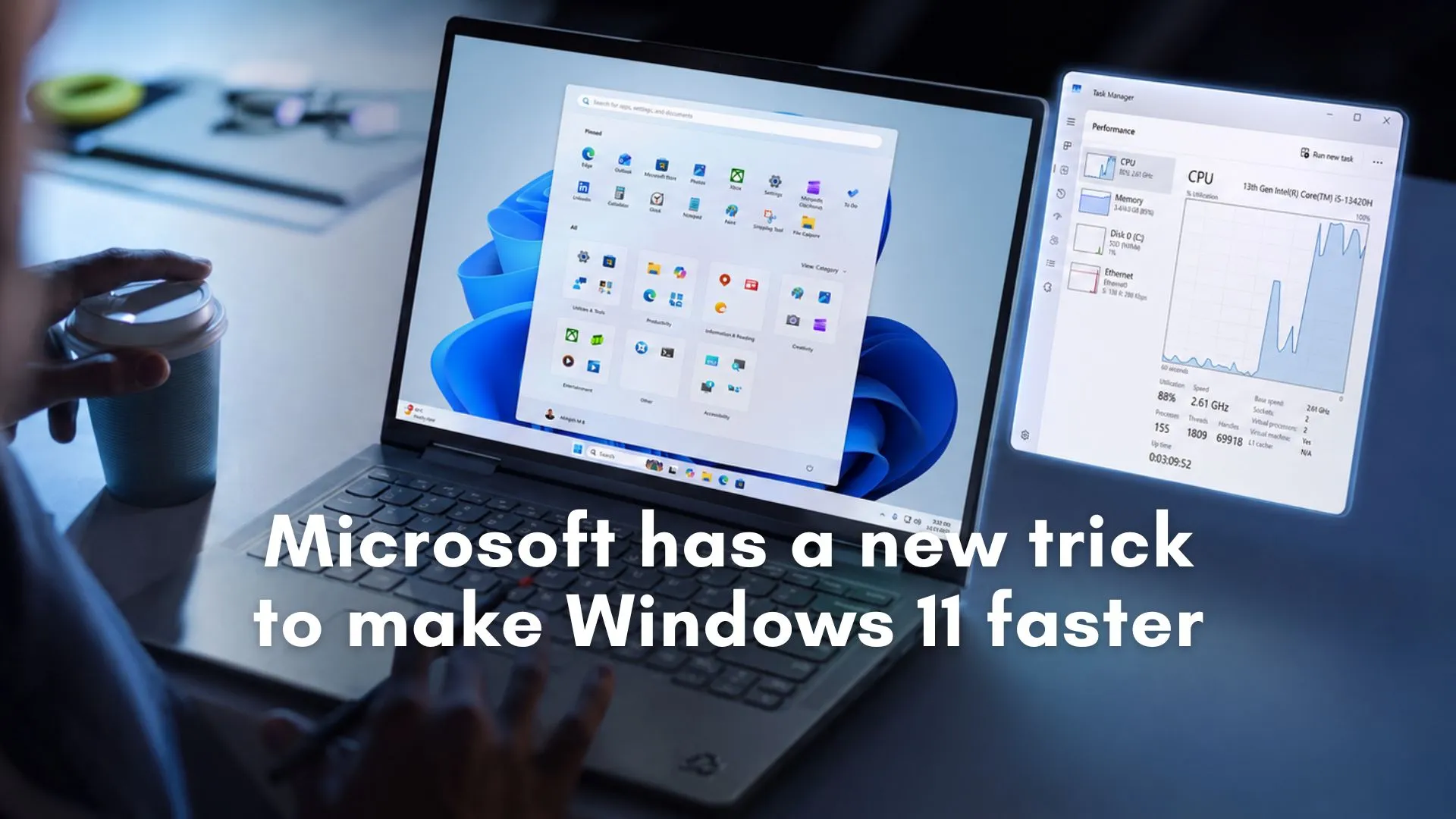
Microsoft is testing a major performance improvement for Windows 11 that could make the operating system feel significantly faster during everyday use. The company is currently experimenting with a feature called Low Latency Profile, a system level optimization that temporarily boosts CPU performance whenever users perform important actions such as opening apps, launching the Start menu, or interacting with context menus.
The feature is designed to improve responsiveness without forcing users to manually enable a separate performance mode. Early internal testing suggests that the changes could dramatically reduce delays that many Windows 11 users have complained about since the operating system launched.
The development marks one of Microsoft’s clearest attempts yet to improve the real world speed and responsiveness of Windows 11, particularly on lower powered hardware that often struggles with modern system demands.
Microsoft Tests Temporary CPU Boosts to Make Windows 11 Feel Faster
According to reports from Windows Central, the new Low Latency Profile works by temporarily pushing the processor to a higher frequency for a very short period of time whenever the system detects a high priority action. These actions include launching applications, opening system menus, or interacting with core interface elements that users expect to respond instantly.
The CPU boost reportedly lasts between one and three seconds before returning to its normal power state. Because the performance spike is brief, Microsoft believes the impact on battery life and thermals will remain minimal.
The company’s goal is not necessarily to increase benchmark scores or raw processing power. Instead, the focus is on perceived responsiveness. Even small delays when opening menus or applications can make a computer feel slow, especially on devices with entry level hardware. By reducing those moments of hesitation, Microsoft wants Windows 11 to feel smoother and more immediate.
Early testing indicates the results could be substantial. Built in applications such as Microsoft Edge and Outlook reportedly launched up to 40 percent faster during internal tests. Menu responsiveness improvements appeared even larger, with Start menu and context menu interactions seeing gains of up to 70 percent in some scenarios.
These improvements are especially important because responsiveness is often one of the most noticeable aspects of user experience. A computer that reacts instantly to clicks and commands tends to feel more modern and reliable, even if the actual hardware is not particularly powerful.
Microsoft Responds to Criticism Over the New Approach
The announcement also sparked debate online after some critics described the feature as a temporary workaround rather than a true operating system optimization. Some users argued that Windows should already be efficient enough without requiring short CPU bursts to mask delays.
Microsoft Vice President Scott Hanselman publicly responded to those criticisms over the weekend, defending the company’s approach and comparing it to similar technologies already used by competitors.
Hanselman pointed out that Apple has used comparable performance management systems within macOS for years. Apple devices rely on technologies such as QualityOfService scheduling to prioritize important tasks and temporarily allocate additional system resources during user interactions. Android platforms also implement dynamic performance scaling through frameworks designed to improve responsiveness.
His response reflected a broader argument inside the technology industry that modern operating systems increasingly rely on intelligent resource management rather than constant maximum performance. Instead of running hardware at high power continuously, systems now attempt to predict moments where users are most likely to notice delays and temporarily increase processing speed only during those interactions.
In many ways, Microsoft’s approach represents an effort to bring Windows closer to the responsiveness standards users already expect from smartphones, tablets, and modern macOS devices.
Why Windows 11 Users Have Complained About Responsiveness
Since its launch, Windows 11 has faced criticism from some users who felt the operating system introduced additional delays compared to previous Windows versions. Complaints often focused on the Start menu, File Explorer, animations, and context menus that occasionally appeared slower or less responsive than expected.
While high end computers typically hide many of these issues with powerful processors and fast storage, the experience can become more noticeable on affordable laptops and older systems. Many entry level Windows devices operate with limited CPU resources, slower storage drives, and lower memory configurations, which can amplify interface lag.
The issue is particularly important because Windows remains the world’s most widely used desktop operating system across a huge variety of hardware. Unlike Apple, which controls both software and hardware within a tightly optimized ecosystem, Microsoft must ensure Windows performs consistently across thousands of different device configurations from multiple manufacturers.
This creates a much larger engineering challenge. Features that work smoothly on premium hardware may behave differently on budget devices with weaker processors and lower thermal limits.
The new Low Latency Profile appears aimed directly at solving that challenge by prioritizing responsiveness during critical interactions instead of maintaining a constant high performance state.
Low End Laptops Could Benefit the Most
One of the most interesting aspects of the testing is that Microsoft reportedly evaluated the feature on intentionally underpowered virtual machines with only two CPU cores and 4GB of RAM. Those hardware limitations mirror the kind of specifications still common in many budget laptops used by students, office workers, and general consumers around the world.
According to testing results mentioned in reports, systems that previously felt sluggish became noticeably more responsive once the Low Latency Profile was enabled. Applications opened faster, menus appeared more quickly, and overall navigation reportedly felt smoother.
This is significant because low cost Windows laptops often struggle with user perception. Even when basic tasks function correctly, small interface delays can make devices feel outdated or frustrating. Improving responsiveness without requiring expensive hardware upgrades could help extend the usability of millions of existing PCs.
For Microsoft, this also aligns with a larger business strategy. The company wants Windows 11 adoption to continue growing across a broad range of devices, especially as artificial intelligence features and next generation software experiences place additional demands on system resources.
Making older and affordable devices feel faster could encourage more users to remain within the Windows ecosystem rather than considering alternatives.
The Engineering Push Behind Faster Windows Performance
The Low Latency Profile is reportedly part of Microsoft’s broader internal initiative known as Windows K2, an engineering effort focused on improving performance and responsiveness across Windows 11.
While Microsoft has regularly introduced new visual features and AI powered tools in recent years, many users have continued asking for more attention to core operating system speed and reliability. Performance remains one of the most important factors shaping user satisfaction, particularly as modern workflows become increasingly demanding.
The Windows K2 initiative appears designed to address that concern directly. Instead of only adding new features, Microsoft is also attempting to improve the feeling of using Windows itself.
This shift reflects a growing trend across the technology industry. Consumers increasingly expect software to feel instant and seamless regardless of hardware limitations. Smartphones already use aggressive optimization systems that prioritize touch responsiveness and app launches, while modern game consoles continuously adjust power allocation to maintain smooth experiences.
Microsoft now appears to be applying similar philosophies to desktop computing.
Battery and Thermal Concerns Remain a Key Focus
One concern surrounding any performance boosting technology is the potential effect on battery life and device temperatures. Constantly increasing CPU speeds can drain batteries faster and generate additional heat, particularly in thin laptops with compact cooling systems.
However, Microsoft reportedly believes the impact will remain limited because the boosts occur only for very short durations. The temporary nature of the spikes allows the system to improve responsiveness during important moments without keeping the processor at maximum performance continuously.
This approach mirrors strategies already used across modern consumer electronics. Smartphones, for example, often activate short performance bursts when opening applications or processing touch input before quickly returning to lower power states.
If Microsoft successfully balances responsiveness with efficiency, the feature could improve everyday usability without introducing meaningful battery penalties.
When the Feature Could Arrive for Windows 11 Users
The Low Latency Profile is currently moving through the Windows Insider testing pipeline, meaning it remains under active evaluation. Microsoft has not yet announced an official release date or confirmed exactly which versions of Windows 11 will receive the feature.
As with many experimental Windows features, the company may continue refining performance behavior based on feedback from Insider users before making it widely available.
Still, the early reaction suggests this could become one of the most noticeable quality of life improvements for Windows 11 in recent years. Unlike visual redesigns or niche features that affect only certain users, responsiveness improvements are immediately felt across nearly every interaction with the operating system.
If the testing results translate successfully into public releases, many Windows users may soon notice faster app launches, smoother menu interactions, and a more responsive desktop experience without needing to upgrade their hardware.
For Microsoft, that could represent an important step toward addressing one of the most persistent criticisms surrounding Windows 11 since its release.
Frequently Asked Questions
What is Microsoft’s new Low Latency Profile feature in Windows 11?
Low Latency Profile is a new Windows 11 performance feature that temporarily boosts CPU speed during important actions such as opening apps, launching the Start menu, or using context menus to improve responsiveness.
How does the Windows 11 Low Latency Profile improve performance?
The feature briefly increases processor frequency for one to three seconds during high priority interactions, helping apps and system menus open faster before returning the CPU to normal power levels.
Which Windows 11 tasks become faster with the new feature?
According to early testing, built in apps like Microsoft Edge and Outlook launch faster, while the Start menu and context menus respond more quickly with noticeable reductions in delay.
How much faster can Windows 11 become with Low Latency Profile?
Reports from testing suggest app launches could improve by up to 40 percent, while Start menu and context menu responsiveness may improve by up to 70 percent in some scenarios.
Is Microsoft copying a feature already used by Apple and Android?
Microsoft executives noted that Apple and Android platforms already use similar resource management systems that temporarily prioritize CPU performance during important user interactions.
Why is Microsoft introducing this feature now?
Microsoft is working to make Windows 11 feel faster and more responsive across different hardware configurations, especially after users reported delays in menus and everyday system interactions.
Will the Low Latency Profile affect battery life on laptops?
Microsoft reportedly expects minimal battery and thermal impact because the CPU boost only lasts for a short period during specific high priority actions.
Which devices could benefit the most from this Windows 11 update?
Budget laptops and lower powered PCs with limited hardware resources are expected to see the biggest improvements in responsiveness and app launch speed.
Is the Low Latency Profile available to all Windows 11 users now?
No. The feature is currently being tested through the Windows Insider program and Microsoft has not announced an official public release date yet.
What is Microsoft’s Windows K2 initiative?
Windows K2 is Microsoft’s broader engineering effort focused on improving the speed, responsiveness, and overall performance experience of Windows 11.
Edit Profile
Help improve @KR

Was this page helpful to you?
Contact Khogendra Rupini
Are you looking for an experienced developer to bring your website to life, tackle technical challenges, fix bugs, or enhance functionality? Look no further.
I specialize in building professional, high-performing, and user-friendly websites designed to meet your unique needs. Whether it's creating custom JavaScript components, solving complex JS problems, or designing responsive layouts that look stunning on both small screens and desktops, I can collaborate with you.
Create something exceptional with us. Contact us today
Open for Collaboration
If you're looking to collaborate, I'm available for a variety of professional services, including -
- Website Design & Development
- Advertisement & Promotion Setup
- Hosting Configuration & Deployment
- Front-end & Back-end Code Implementation
- Code Testing & Optimization
- Cybersecurity Solutions & Threat Prevention
- Website Scanning & Malware Removal
- Hacked Website Recovery
- PHP & MySQL Development
- Python Programming
- Web Content Writing
- Protection Against Hacking Attempts