
Canonical URLs Explained Clearly: How to Fix Duplicate Pages, Protect Rankings, and Stay Ahead in Google Search
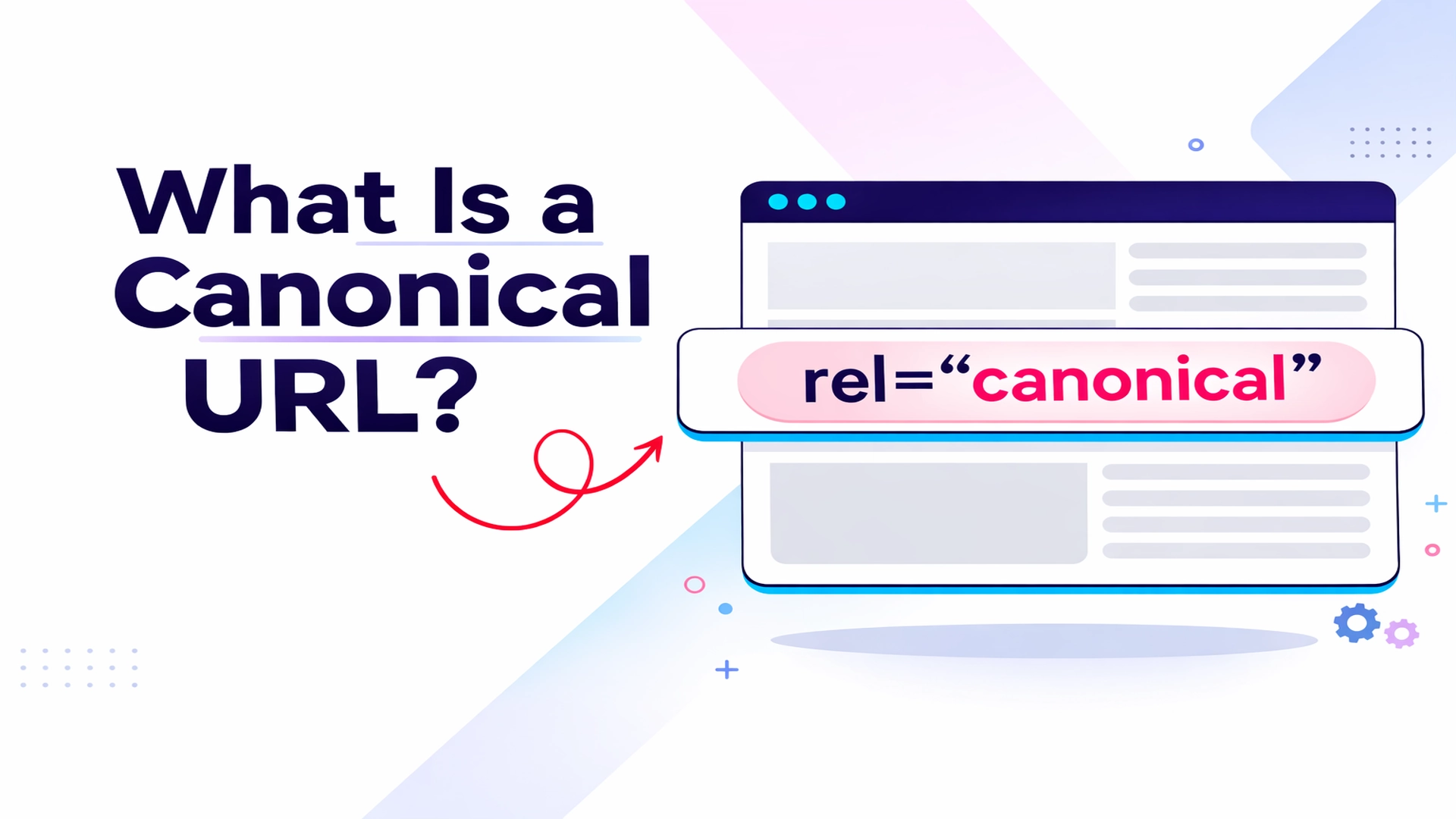
In the fast evolving world of search engine optimization, few technical elements carry as much quiet power as the canonical URL. It does not change how your page looks. It does not add new content. Yet it can determine which version of your page Google indexes, ranks, and shows to millions of users.
When multiple URLs display the same or nearly identical content, search engines must choose one as the primary version. That chosen version is known as the canonical URL. If you do not guide the process clearly, Google will make the decision for you. And sometimes, that decision may not align with your goals.
Here is a complete, professionally structured guide to canonical URLs, how they work, and how to implement them correctly without risking rankings or visibility.
What Is a Canonical URL and Why It Matters for Search Visibility
A canonical URL is the preferred version of a webpage selected from a group of duplicate or near duplicate pages. Google indexes and ranks only the canonical version in search results.
For example, both of the following URLs may show the same content:
Without clear signals, Google will evaluate both and choose one as canonical. If your signals conflict, Google may ignore your preference and select a different version.
Canonicalization helps:
- Ensure the correct URL appears in search results
- Consolidate link equity from duplicate pages
- Simplify analytics tracking
- Prevent wasted crawl budget
- Avoid keyword cannibalization
In competitive search environments, that clarity can make the difference between page one visibility and invisibility.
How Google Decides Which URL Becomes Canonical
Canonicalization works by selecting one representative URL from a cluster of duplicate or highly similar pages. Google evaluates several signals when making this decision:
- HTTPS versus HTTP protocol
- Redirect signals
- rel="canonical" tags
- URLs included in XML sitemaps
- hreflang clusters
- Internal linking patterns
Even if you declare a canonical URL, Google may override it if other signals contradict your preference or if it believes another version better serves users.
Consistency is critical. Every canonical signal must point to the same URL.
Common Causes of Duplicate URLs That Trigger Canonical Issues
Duplicate content is often created unintentionally. The most common causes include:
- Protocol variants
HTTP and HTTPS versions of the same page. - Domain variants
www and non www versions. - Trailing slash differences
https://example.com/page
https://example.com/page/ - URL parameters
Tracking tags such as ?utm_source=email or sorting filters such as ?sort=price. - Session IDs
Temporary identifiers added during browsing sessions. - Mobile variants
m.example.com and example.com. - Pagination
/blog and /blog?page=1.
Each of these can create multiple URLs for identical content. Without canonicalization, search engines must guess which version is primary.
The rel="canonical" Tag: The Most Direct Way to Signal Your Preferred URL
The canonical tag is the most widely used and recommended method for specifying a canonical URL. It is placed inside the head section of an HTML page.
The format looks like this:
<link rel="canonical" href="https://example.com/preferred-url/" />
If you have duplicate pages, each duplicate should point to the main version using this tag.
For example, if:
https://example.com/products/blue
is your preferred URL,
then
https://example.com/product/blue?sort=price
should include a canonical tag pointing to:
https://example.com/products/blue
This consolidates ranking signals and prevents duplicate versions from competing against each other.
Why Self Referencing Canonical Tags Are Essential
Even your primary page should include a canonical tag that points to itself. This is called a self referencing canonical.
Example:
<link rel="canonical" href="https://example.com/blog/" />
Self referencing canonicals reduce ambiguity and clarify your preferred URL structure. They make canonicalization more predictable when other signals such as redirects or internal links are not perfectly aligned.
Other Ways to Specify Canonical URLs
Although rel="canonical" tags are the most common method, Google supports additional approaches.
- Redirects
Server side 3xx redirects are a strong canonical signal. Use them when permanently retiring duplicate pages. A 301 redirect from HTTP to HTTPS is a standard example. - rel="canonical" HTTP header
For non HTML files such as PDF or DOCX documents, canonicalization can be implemented via HTTP response headers. Example:
Link: https://www.example.com/downloads/white-paper.pdf ; rel="canonical"
- Sitemap inclusion
Submitting only canonical URLs in your XML sitemap provides a weak but helpful signal. However, sitemaps alone are not sufficient without consistent canonical tags.
HTTPS Preference: Why Secure Versions Usually Win
Google prefers HTTPS versions over HTTP equivalents unless:
- The SSL certificate is invalid
- The HTTPS page redirects to HTTP
- The HTTPS page references HTTP as canonical
- There are insecure dependencies
To ensure HTTPS becomes canonical:
- Redirect HTTP to HTTPS
- Use HTTPS in canonical tags
- Submit HTTPS URLs in sitemaps
- Implement HSTS properly
Avoid mixing protocols across canonical signals. Inconsistency invites confusion.
Canonical Tags and Hreflang: Avoiding a Critical Multilingual Mistake
Multilingual sites often use both canonical and hreflang tags. A common mistake is pointing all language versions to one canonical URL.
For example:
- English
https://example.com/topic - Spanish
https://example.com/es/tema - French
https://example.com/fr/sujet
Each language version must include:
- A self referencing canonical
- hreflang links to all language versions
Pointing all versions to the English page as canonical sends conflicting signals and may cause Google to show the wrong language to users.
Common Canonical Mistakes That Hurt Rankings
Even experienced site owners make canonical errors. The most damaging include:
- Pointing canonicals to redirected pages
A canonical should never reference a URL that redirects elsewhere. - Using canonicals for unrelated content
Canonical tags are only for duplicate or near duplicate pages. - Multiple canonical tags on one page
Specify only one canonical per page. - Placing canonical tags outside the head section
Search engines may ignore improperly placed tags. - Using relative URLs
Always use full absolute URLs including protocol and domain.
These mistakes can cause Google to ignore your canonical preference entirely.
How to Check Whether Google Accepted Your Canonical
Google Search Console provides clarity through the URL Inspection tool.
Steps:
- Enter the URL in Search Console
- Open the Page indexing section
- Compare User declared canonical and Google selected canonical
If both match, Google accepted your canonical. If not, review all canonical signals including redirects, sitemaps, and internal links.
Regular audits are essential, especially for large websites with parameterized URLs or frequent content updates.
Do Canonical Tags Directly Improve Rankings
Canonical tags do not directly increase rankings. However, they consolidate link equity and prevent duplicate pages from competing against each other. That consolidation strengthens the ranking potential of your preferred URL.
Without canonical clarity, authority can split across multiple versions of the same page, weakening overall performance.
The Bottom Line: Precision Wins in Technical SEO
Canonical URLs may seem like a small technical detail, but they carry enormous influence in how search engines interpret your site structure.
If implemented correctly, they:
- Protect your ranking authority
- Improve indexing accuracy
- Reduce crawl waste
- Enhance reporting clarity
- Strengthen SEO performance
If implemented incorrectly, they can silently suppress your visibility.
In today’s search landscape, where competition is intense and algorithmic decisions happen at scale, canonical clarity is not optional for serious publishers. It is foundational.
By aligning redirects, canonical tags, sitemaps, HTTPS usage, and internal links, you give Google a consistent message about which version of your content deserves to rank.
And in search, clarity almost always wins.
Edit Profile
Help improve @KR

Was this page helpful to you?
Contact Khogendra Rupini
Are you looking for an experienced developer to bring your website to life, tackle technical challenges, fix bugs, or enhance functionality? Look no further.
I specialize in building professional, high-performing, and user-friendly websites designed to meet your unique needs. Whether it’s creating custom JavaScript components, solving complex JS problems, or designing responsive layouts that look stunning on both small screens and desktops, I can collaborate with you.
Create something exceptional with us. Contact us today
Open for Collaboration
If you're looking to collaborate, I’m available for a variety of professional services, including -
- Website Design & Development
- Advertisement & Promotion Setup
- Hosting Configuration & Deployment
- Front-end & Back-end Code Implementation
- Code Testing & Optimization
- Cybersecurity Solutions & Threat Prevention
- Website Scanning & Malware Removal
- Hacked Website Recovery
- PHP & MySQL Development
- Python Programming
- Web Content Writing
- Protection Against Hacking Attempts