
Chrome Brings Bookmarks Bar to Android, Expanding a Long-Standing Desktop Feature to Mobile
info Synopsis: Google Chrome is introducing a bookmarks bar on Android for the first time, bringing a long-standing desktop feature to mobile. Available in Chrome version 146, the bar appears below the address bar on larger devices like tablets and foldables, allowing users to access saved websites quickly without navigating through menus.
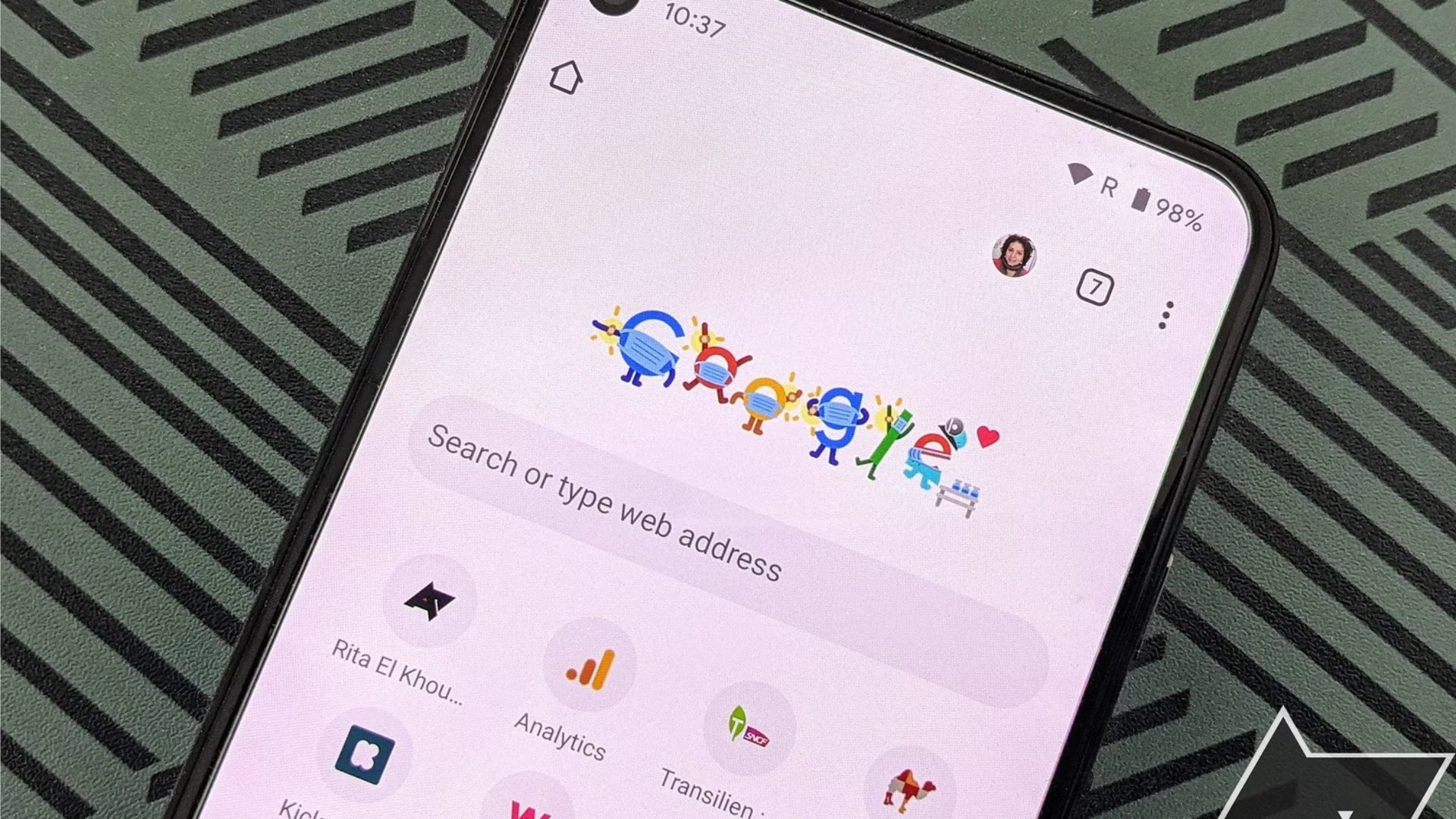
Google is introducing one of Chrome’s most recognizable desktop features to Android devices, marking a notable shift in how users access their favorite websites on mobile. The latest update to Google Chrome allows Android users on larger devices to enable a bookmarks bar — a tool that has been a staple of the desktop browser for years.
The change, reported by 9to5Google and tied to Chrome version 146, adds a new option that places bookmarked websites directly beneath the browser’s address bar. The update is designed to simplify navigation and reduce the need to open menus to reach frequently visited pages.
The feature represents a small but meaningful evolution for the world’s most widely used web browser, which continues to expand its capabilities across devices.
A desktop-style browsing feature arrives on Android
For most users, the experience of using Chrome on Android closely resembles the desktop version. However, certain interface elements have historically remained exclusive to desktop environments. Among the most noticeable omissions has been the bookmarks bar.
Since Chrome’s earliest releases on computers, the bookmarks bar has provided instant access to saved websites, folders, and frequently used links. On Android, accessing bookmarks typically requires opening menus and navigating through additional layers of the interface.
The new update introduces a more direct solution. When enabled, the bookmarks bar appears directly beneath the address bar, allowing users to tap a saved website immediately without entering sub-menus.
Just like on desktop Chrome, users can customize the bar by adding individual bookmarks or folders. Long-pressing an item on the bar reveals the full website address, offering quick confirmation of the destination.
Limited to tablets and foldables for now
Despite the feature’s arrival on Android, it will not yet appear on all smartphones.
According to the report, the bookmarks bar is currently limited to Android devices with larger displays, such as tablets and foldable phones. These devices provide the screen space necessary to accommodate the additional interface element without disrupting the browsing layout.
Users who want to enable the feature must first update their browser to Chrome version 146. Once updated, the option can be activated within the browser’s settings.
The process involves navigating to the Appearance section and selecting the option labeled “Show bookmarks bar.” After enabling the setting, the bookmarks bar will appear below the address bar within the browser interface.
Once activated, users can begin adding bookmarks to the bar or organizing them into folders for easier navigation.
Why the change matters for everyday browsing
While the addition may appear minor, it addresses a long-standing gap between Chrome’s desktop and mobile experiences.
For many users, bookmarks serve as shortcuts to frequently visited sites such as news platforms, work tools, or research resources. On desktop computers, the bookmarks bar allows those links to remain permanently visible, making it possible to open them instantly.
On mobile devices, the absence of the feature meant that users often had to navigate through menus to reach saved pages. The new interface aims to streamline that process, particularly for users working on tablets or foldable devices that are increasingly used as productivity tools.
By bringing the bookmarks bar to larger Android screens, Google is aligning the mobile browsing experience more closely with desktop workflows.
Part of Chrome’s ongoing development push
The update arrives as Google continues to accelerate the development pace of Chrome.
The company recently announced plans to shorten the browser’s release cycle, allowing new versions and features to arrive more frequently. The change is intended to bring improvements and updates to users more quickly while keeping the browser competitive in a rapidly evolving technology landscape.
Chrome remains one of Google’s most influential products, commanding roughly 70% of the global browser market by the end of 2025. Maintaining that position requires continuous updates that improve performance, usability, and cross-device consistency.
Enhancements like the bookmarks bar on Android reflect Google’s broader effort to refine the browser experience across different form factors.
A small feature with a meaningful impact
For many users, the bookmarks bar may seem like a modest addition. Yet for people who rely on saved websites throughout the day, the change could significantly streamline how they navigate the web.
By eliminating extra steps and placing frequently used links within immediate reach, the feature transforms a routine action — opening a bookmarked site — into a faster and more seamless experience.
For tablet and foldable device users in particular, the update brings Chrome’s mobile interface one step closer to the familiarity and efficiency of the desktop browser.
As Chrome continues to evolve with faster release cycles and incremental usability improvements, features like this highlight Google’s focus on refining everyday browsing rather than reinventing it.

Edit Profile
Help improve @KR

Was this page helpful to you?
Contact Khogendra Rupini
Are you looking for an experienced developer to bring your website to life, tackle technical challenges, fix bugs, or enhance functionality? Look no further.
I specialize in building professional, high-performing, and user-friendly websites designed to meet your unique needs. Whether it’s creating custom JavaScript components, solving complex JS problems, or designing responsive layouts that look stunning on both small screens and desktops, I can collaborate with you.
Create something exceptional with us. Contact us today
Open for Collaboration
If you're looking to collaborate, I’m available for a variety of professional services, including -
- Website Design & Development
- Advertisement & Promotion Setup
- Hosting Configuration & Deployment
- Front-end & Back-end Code Implementation
- Code Testing & Optimization
- Cybersecurity Solutions & Threat Prevention
- Website Scanning & Malware Removal
- Hacked Website Recovery
- PHP & MySQL Development
- Python Programming
- Web Content Writing
- Protection Against Hacking Attempts